
5 Common WordPress Security Mistakes Small Businesses Make
The Short Version (Read This First)
If your website runs on WordPress, chances are you’re one weak password or one outdated plugin away from a security breach. Here’s the quick summary: most WordPress security mistakes small businesses make aren’t complicated hacking tricks — they’re small, everyday oversights. Weak login credentials, ignored updates, sketchy plugins, no backups, and zero monitoring. Fix these five, and you’ll close the door on the majority of attacks targeting small business websites in Malaysia and beyond.
Now let’s get into why these mistakes happen and how to actually fix them.
Why This Matters More Than You Think
A lot of small business owners assume hackers only go after big companies — banks, e-commerce giants, government sites. That’s not how it works. Automated bots scan the internet 24/7 looking for outdated WordPress installs, and they don’t care if you’re a five-person bakery in Kuala Lumpur or a multinational corporation. If your site has a vulnerability, it gets flagged.
This is exactly why understanding common WordPress security mistakes matters — not because you need to become a cybersecurity expert overnight, but because a few simple habits can dramatically reduce your risk.
Mistake #1: Using Weak or Recycled Passwords
This one sounds almost too obvious, but it’s still the number one culprit. Admin usernames like “admin” paired with a password like “password123” (or worse, the same password used across five other accounts) are an open invitation.
The fix: Use a password manager, enable two-factor authentication on your WordPress login, and rename your default admin username. According to WordPress.org’s official hardening guide, strong authentication remains one of the most effective first lines of defense against unauthorized access. It takes ten minutes and eliminates one of the easiest entry points hackers rely on.
Mistake #2: Ignoring Plugin and Theme Updates
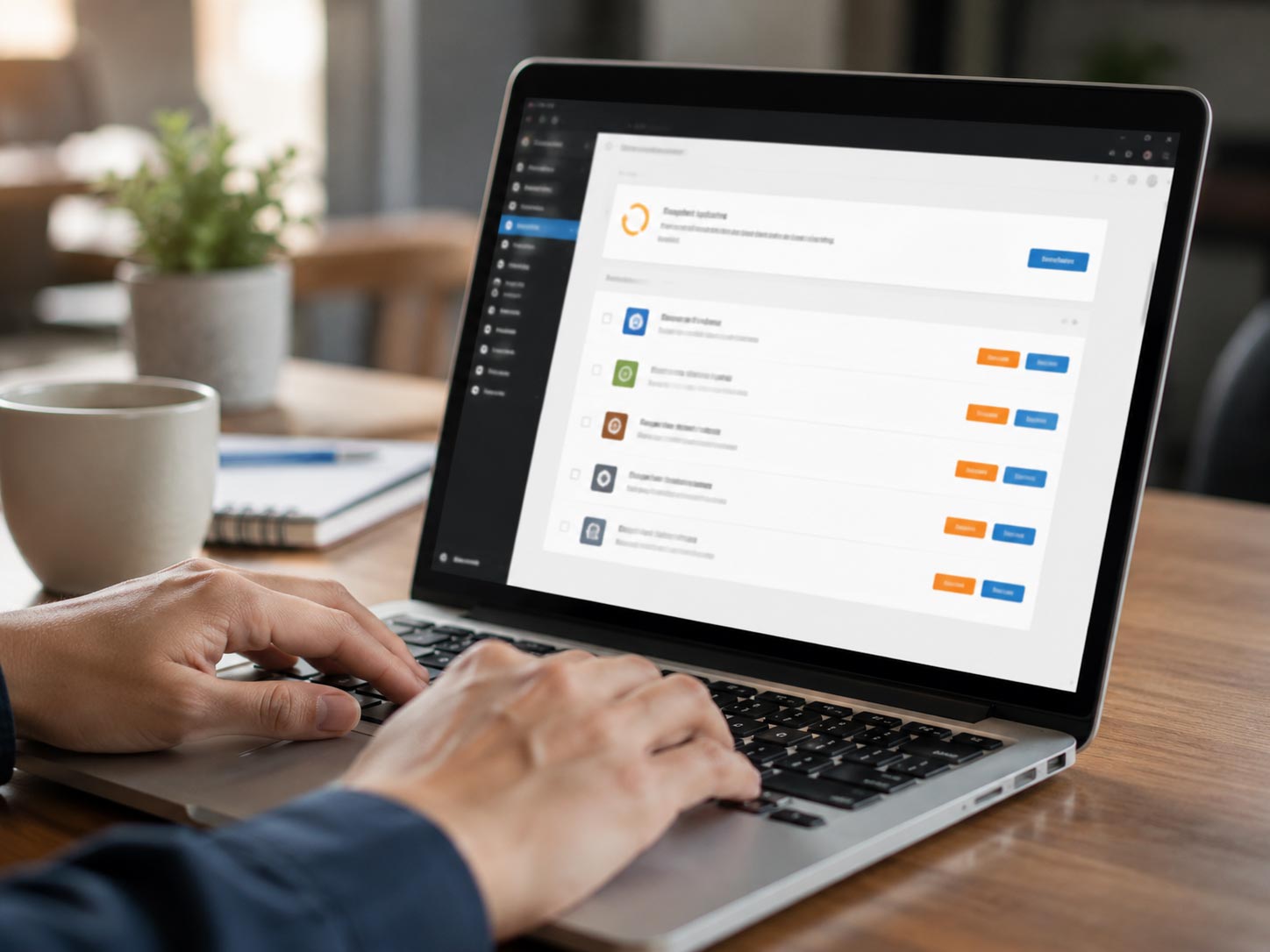
Here’s something that often gets overlooked in small business WordPress security conversations: outdated plugins are one of the most common ways hackers get in. WordPress itself is generally secure — it’s the third-party plugins and themes sitting unpatched for months that create the gaps.
If you’ve ever delayed clicking “update” because you were worried it might break your site, you’re not alone. But that hesitation is exactly what attackers count on.
WordPress Plugin Vulnerabilities: The Silent Threat
This deserves its own spotlight because it’s such a frequent entry point. Every plugin you install adds a little more surface area for something to go wrong. Old, abandoned, or poorly coded plugins are a goldmine for attackers scanning for known vulnerabilities. As outlined in WPBeginner’s WordPress security guide, outdated plugins remain one of the top causes of website breaches across the industry.
A few practical habits help here:
- Only install plugins from reputable developers with active support.
- Remove plugins you’re not actively using — don’t just deactivate them, delete them.
- Check plugin update logs regularly, not just when something breaks.
If keeping track of all this feels like a full-time job, that’s a fair reaction — it kind of is. This is one of the biggest reasons business owners eventually hand this off to a professional Web Maintenance service instead of trying to juggle it themselves.
Mistake #3: No Regular Backups
Imagine your site gets compromised tomorrow. Do you have a clean backup from before the attack, or are you starting from zero? A shocking number of small businesses don’t actually know the answer to that question until it’s too late.
The fix: Set up automated daily or weekly backups stored off-site (not just on your hosting server). If something goes wrong, you want to restore your site in minutes, not rebuild it from memory over a stressful weekend.
Mistake #4: Skipping a Firewall and Malware Scanning
Most business owners install WordPress, build their site, and never think about security again — until something breaks. A basic firewall and malware scanner running in the background catches suspicious activity before it becomes a full-blown breach.
This ties directly back to the bigger picture of small business WordPress security: it’s not about doing everything perfectly, it’s about having a system that catches problems early, before customers notice something is wrong.
Mistake #5: Treating Security as a One-Time Task
This might be the biggest mindset shift needed. Security isn’t something you “set up once and forget.” New vulnerabilities are discovered constantly, and a site that was secure last year could have gaps today.
If you’re unsure how often your site actually needs attention, this guide on how often you should update your WordPress website breaks it down clearly.
What Happens If You Ignore These Mistakes
A hacked or malware-flagged website doesn’t just cost you time to fix — it can quietly cost you customers. Google may flag your site as unsafe, your SEO rankings can tank overnight, and visitors who land on a broken or suspicious page rarely come back. If you’re not sure whether your current site is already showing warning signs, this 3-minute self-check is worth running through.
For a broader look at what should be on your radar, this WordPress maintenance checklist covers the essentials beyond just security.
Frequently Asked Questions
The Bottom Line
Most WordPress security mistakes aren’t caused by sophisticated hackers outsmarting anyone — they’re caused by small, avoidable gaps that pile up over time. Weak passwords, outdated plugins, missing backups, no monitoring, and treating security as a “set and forget” task. Fix these, and you’ve already covered more ground than most small businesses ever do.
If managing all this on top of running your business sounds exhausting, you don’t have to do it alone. Our team handles ongoing WordPress maintenance and security for small businesses across Malaysia, so you can focus on running your business instead of worrying about your website. Get in touch if you’d like a quick, no-obligation look at where your WordPress security mistakes might currently stand.


5 Common WordPress Security Mistakes Small Businesses Make
The Short Version (Read This First)
If your website runs on WordPress, chances are you’re one weak password or one outdated plugin away from a security breach. Here’s the quick summary: most WordPress security mistakes small businesses make aren’t complicated hacking tricks — they’re small, everyday oversights. Weak login credentials, ignored updates, sketchy plugins, no backups, and zero monitoring. Fix these five, and you’ll close the door on the majority of attacks targeting small business websites in Malaysia and beyond.
Now let’s get into why these mistakes happen and how to actually fix them.
Why This Matters More Than You Think
A lot of small business owners assume hackers only go after big companies — banks, e-commerce giants, government sites. That’s not how it works. Automated bots scan the internet 24/7 looking for outdated WordPress installs, and they don’t care if you’re a five-person bakery in Kuala Lumpur or a multinational corporation. If your site has a vulnerability, it gets flagged.
This is exactly why understanding common WordPress security mistakes matters — not because you need to become a cybersecurity expert overnight, but because a few simple habits can dramatically reduce your risk.
Mistake #1: Using Weak or Recycled Passwords
This one sounds almost too obvious, but it’s still the number one culprit. Admin usernames like “admin” paired with a password like “password123” (or worse, the same password used across five other accounts) are an open invitation.
The fix: Use a password manager, enable two-factor authentication on your WordPress login, and rename your default admin username. According to WordPress.org’s official hardening guide, strong authentication remains one of the most effective first lines of defense against unauthorized access. It takes ten minutes and eliminates one of the easiest entry points hackers rely on.
Mistake #2: Ignoring Plugin and Theme Updates
Here’s something that often gets overlooked in small business WordPress security conversations: outdated plugins are one of the most common ways hackers get in. WordPress itself is generally secure — it’s the third-party plugins and themes sitting unpatched for months that create the gaps.
If you’ve ever delayed clicking “update” because you were worried it might break your site, you’re not alone. But that hesitation is exactly what attackers count on.
WordPress Plugin Vulnerabilities: The Silent Threat
This deserves its own spotlight because it’s such a frequent entry point. Every plugin you install adds a little more surface area for something to go wrong. Old, abandoned, or poorly coded plugins are a goldmine for attackers scanning for known vulnerabilities. As outlined in WPBeginner’s WordPress security guide, outdated plugins remain one of the top causes of website breaches across the industry.
A few practical habits help here:
- Only install plugins from reputable developers with active support.
- Remove plugins you’re not actively using — don’t just deactivate them, delete them.
- Check plugin update logs regularly, not just when something breaks.
If keeping track of all this feels like a full-time job, that’s a fair reaction — it kind of is. This is one of the biggest reasons business owners eventually hand this off to a professional Web Maintenance service instead of trying to juggle it themselves.
Mistake #3: No Regular Backups
Imagine your site gets compromised tomorrow. Do you have a clean backup from before the attack, or are you starting from zero? A shocking number of small businesses don’t actually know the answer to that question until it’s too late.
The fix: Set up automated daily or weekly backups stored off-site (not just on your hosting server). If something goes wrong, you want to restore your site in minutes, not rebuild it from memory over a stressful weekend.
Mistake #4: Skipping a Firewall and Malware Scanning
Most business owners install WordPress, build their site, and never think about security again — until something breaks. A basic firewall and malware scanner running in the background catches suspicious activity before it becomes a full-blown breach.
This ties directly back to the bigger picture of small business WordPress security: it’s not about doing everything perfectly, it’s about having a system that catches problems early, before customers notice something is wrong.
Mistake #5: Treating Security as a One-Time Task
This might be the biggest mindset shift needed. Security isn’t something you “set up once and forget.” New vulnerabilities are discovered constantly, and a site that was secure last year could have gaps today.
If you’re unsure how often your site actually needs attention, this guide on how often you should update your WordPress website breaks it down clearly.
What Happens If You Ignore These Mistakes
A hacked or malware-flagged website doesn’t just cost you time to fix — it can quietly cost you customers. Google may flag your site as unsafe, your SEO rankings can tank overnight, and visitors who land on a broken or suspicious page rarely come back. If you’re not sure whether your current site is already showing warning signs, this 3-minute self-check is worth running through.
For a broader look at what should be on your radar, this WordPress maintenance checklist covers the essentials beyond just security.
Frequently Asked Questions
The Bottom Line
Most WordPress security mistakes aren’t caused by sophisticated hackers outsmarting anyone — they’re caused by small, avoidable gaps that pile up over time. Weak passwords, outdated plugins, missing backups, no monitoring, and treating security as a “set and forget” task. Fix these, and you’ve already covered more ground than most small businesses ever do.
If managing all this on top of running your business sounds exhausting, you don’t have to do it alone. Our team handles ongoing WordPress maintenance and security for small businesses across Malaysia, so you can focus on running your business instead of worrying about your website. Get in touch if you’d like a quick, no-obligation look at where your WordPress security mistakes might currently stand.