

What Happens If You Never Update Your Website? (Real Risks Explained)
Here’s the short answer: if you never update your website, you’re not just missing out on new features — you’re quietly accumulating security holes, broken functionality, slower load times, and a growing SEO disadvantage that gets more expensive to fix the longer it’s left alone. None of this happens overnight, which is exactly why it’s easy to ignore until something breaks or gets hacked. The rest of this article breaks down exactly what tends to go wrong, and when.
What Happens If You Never Update Your Website: The Short List
Here’s what tends to happen, roughly in the order it shows up, when you never update your website:
- Security vulnerabilities pile up — outdated CMS versions and plugins are the most common way small business sites get hacked, since known vulnerabilities are public information attackers actively scan for.
- Plugins and themes start conflicting — as some components update and others don’t, compatibility issues quietly build up until one update finally breaks the site.
- Site speed declines — outdated code doesn’t benefit from newer performance improvements, and unused plugins keep loading in the background regardless.
- Search rankings slip — Google favours sites that are secure, fast, and mobile-friendly; a stagnant site gradually loses ground to competitors who are actively maintaining theirs.
- Browser compatibility breaks — browsers update constantly, and old code can start rendering incorrectly or triggering security warnings that scare visitors away.
- Customer trust quietly erodes — broken forms, dead links, and outdated design all signal neglect, even if the business behind the site is doing fine.
- Fixing it later costs more — small, regular updates are far cheaper than an emergency fix after a hack, a crash, or a major compatibility failure.
Website Maintenance Risks You Can’t See Immediately
The tricky part about website maintenance risks is that most of them are invisible until they aren’t. A site can look perfectly fine on the surface while running outdated software underneath — visitors won’t notice anything wrong until a plugin conflict breaks a checkout page, or a security gap gets exploited and the site starts silently redirecting visitors to spam pages.
This is also why business owners who never update your website often say “it’s been fine for years” right up until it isn’t. The absence of visible problems isn’t the same as the absence of risk.
Outdated Website Problems That Compound Over Time
Outdated website problems rarely stay isolated. A skipped plugin update leads to a compatibility conflict, which leads to a broken feature, which leads to a rushed fix that introduces a new issue. This is the compounding cost of choosing to never update your website — left unattended long enough, a site can accumulate so many small problems that a full rebuild ends up cheaper than trying to untangle years of neglect.
This pattern also drives website security risks Malaysia businesses face more than most owners expect. According to Sucuri’s security research, outdated software remains one of the leading causes of website compromise year after year — a pattern that holds true globally, including for Malaysian SMEs running WordPress and similar platforms.
Common Questions About Website Updates
How often should a website actually be updated?
Often enough that you never update your website in one giant, overdue batch — core software and security patches ideally get applied as soon as they’re released; broader design and content refreshes are usually fine on a longer, planned cycle.
Can I just update everything myself?
For a simple site, yes — but updates can still break things unexpectedly, so backups and testing matter as much as the update itself.
My site has been fine for years without updates — is it really at risk?
Possibly more than it looks. Many compromised sites keep functioning normally for visitors while quietly running malicious code in the background, which is part of what makes it easy to assume you can simply never update your website and get away with it — until you can’t.
Keeping Your Website Ahead of These Risks
The safest approach is simple: don’t let yourself never update your website in the first place. If it’s been a while since anyone checked on your site, it’s worth finding out where things actually stand before assuming the worst — or assuming it’s fine. Our website maintenance service covers regular updates, security monitoring, and backups, so you’re not the one finding out about a problem after it’s already caused damage. If your site has fallen far enough behind that patching it no longer makes sense, our revamp services are worth a look instead.
Not sure which situation applies to you? Get in touch and we’ll take a look before recommending anything.

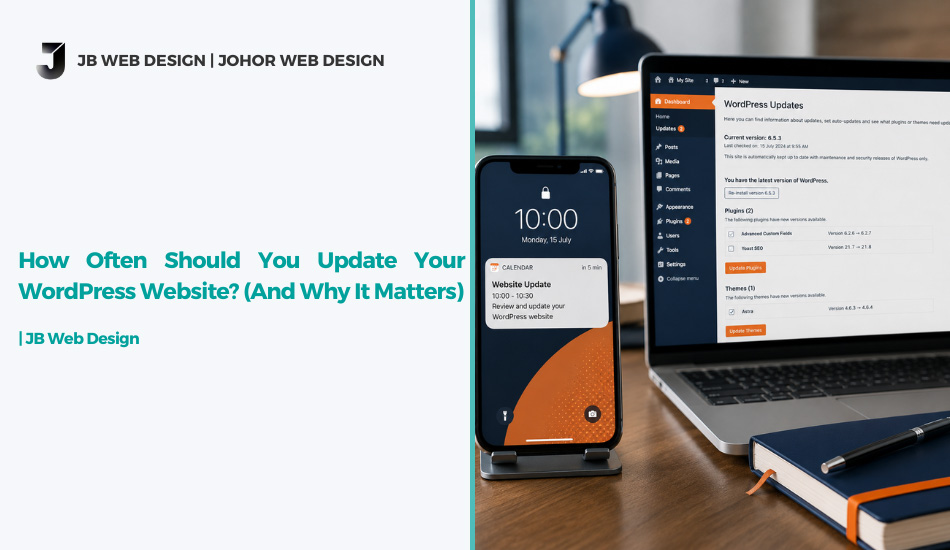
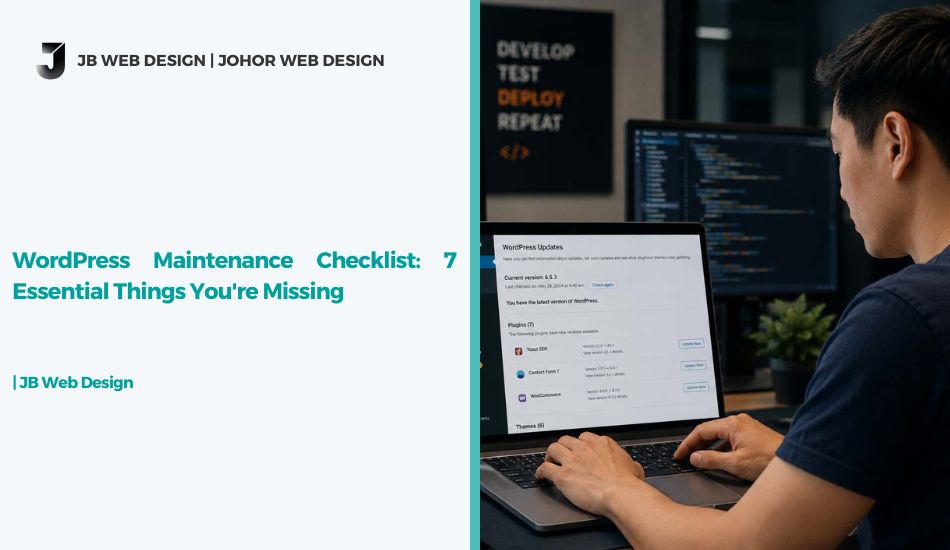

What Happens If You Never Update Your Website? (Real Risks Explained)
Here’s the short answer: if you never update your website, you’re not just missing out on new features — you’re quietly accumulating security holes, broken functionality, slower load times, and a growing SEO disadvantage that gets more expensive to fix the longer it’s left alone. None of this happens overnight, which is exactly why it’s easy to ignore until something breaks or gets hacked. The rest of this article breaks down exactly what tends to go wrong, and when.
What Happens If You Never Update Your Website: The Short List
Here’s what tends to happen, roughly in the order it shows up, when you never update your website:
- Security vulnerabilities pile up — outdated CMS versions and plugins are the most common way small business sites get hacked, since known vulnerabilities are public information attackers actively scan for.
- Plugins and themes start conflicting — as some components update and others don’t, compatibility issues quietly build up until one update finally breaks the site.
- Site speed declines — outdated code doesn’t benefit from newer performance improvements, and unused plugins keep loading in the background regardless.
- Search rankings slip — Google favours sites that are secure, fast, and mobile-friendly; a stagnant site gradually loses ground to competitors who are actively maintaining theirs.
- Browser compatibility breaks — browsers update constantly, and old code can start rendering incorrectly or triggering security warnings that scare visitors away.
- Customer trust quietly erodes — broken forms, dead links, and outdated design all signal neglect, even if the business behind the site is doing fine.
- Fixing it later costs more — small, regular updates are far cheaper than an emergency fix after a hack, a crash, or a major compatibility failure.
Website Maintenance Risks You Can’t See Immediately
The tricky part about website maintenance risks is that most of them are invisible until they aren’t. A site can look perfectly fine on the surface while running outdated software underneath — visitors won’t notice anything wrong until a plugin conflict breaks a checkout page, or a security gap gets exploited and the site starts silently redirecting visitors to spam pages.
This is also why business owners who never update your website often say “it’s been fine for years” right up until it isn’t. The absence of visible problems isn’t the same as the absence of risk.
Outdated Website Problems That Compound Over Time
Outdated website problems rarely stay isolated. A skipped plugin update leads to a compatibility conflict, which leads to a broken feature, which leads to a rushed fix that introduces a new issue. This is the compounding cost of choosing to never update your website — left unattended long enough, a site can accumulate so many small problems that a full rebuild ends up cheaper than trying to untangle years of neglect.
This pattern also drives website security risks Malaysia businesses face more than most owners expect. According to Sucuri’s security research, outdated software remains one of the leading causes of website compromise year after year — a pattern that holds true globally, including for Malaysian SMEs running WordPress and similar platforms.
Common Questions About Website Updates
How often should a website actually be updated?
Often enough that you never update your website in one giant, overdue batch — core software and security patches ideally get applied as soon as they’re released; broader design and content refreshes are usually fine on a longer, planned cycle.
Can I just update everything myself?
For a simple site, yes — but updates can still break things unexpectedly, so backups and testing matter as much as the update itself.
My site has been fine for years without updates — is it really at risk?
Possibly more than it looks. Many compromised sites keep functioning normally for visitors while quietly running malicious code in the background, which is part of what makes it easy to assume you can simply never update your website and get away with it — until you can’t.
Keeping Your Website Ahead of These Risks
The safest approach is simple: don’t let yourself never update your website in the first place. If it’s been a while since anyone checked on your site, it’s worth finding out where things actually stand before assuming the worst — or assuming it’s fine. Our website maintenance service covers regular updates, security monitoring, and backups, so you’re not the one finding out about a problem after it’s already caused damage. If your site has fallen far enough behind that patching it no longer makes sense, our revamp services are worth a look instead.
Not sure which situation applies to you? Get in touch and we’ll take a look before recommending anything.