
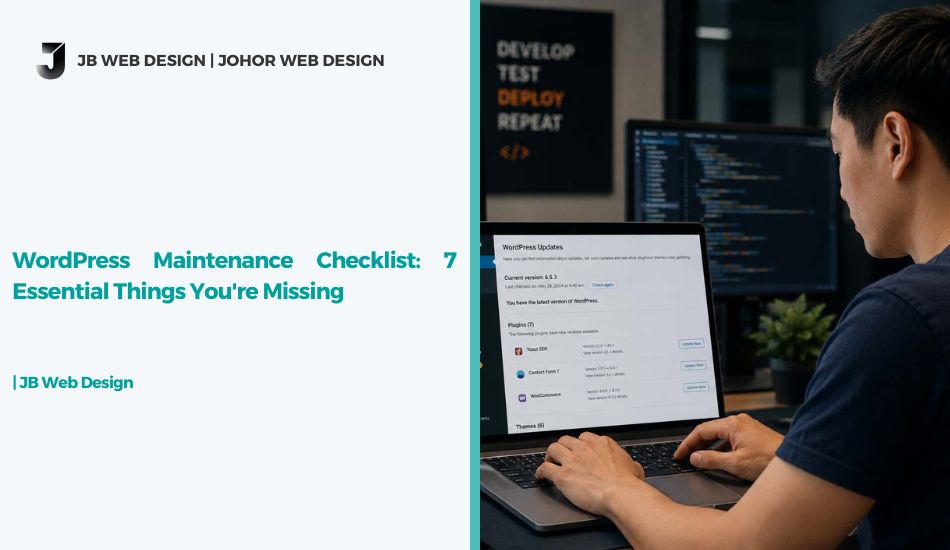
WordPress Maintenance Checklist: Things You Might Be Missing
Here’s the short answer first: if you’re running a WordPress site in Malaysia and haven’t touched it since launch, you’re probably missing at least three items on a proper WordPress maintenance checklist — and one of them is likely a security risk sitting quietly in the background.
Before we go through the details, here’s what a solid checklist actually covers.
The Quick Answer
A complete WordPress maintenance checklist usually includes:
- Core, theme, and plugin updates
- Regular backups (not just “set and forget”)
- Broken link and 404 checks
- Image and database optimisation
- SSL certificate and security scans
- Uptime and speed monitoring
If you’re only doing one or two of these, your site is running on borrowed time. Now let’s get into why this happens and what each item actually involves.
Why WordPress Maintenance Gets Ignored
Most business owners treat their website like a one-time purchase — build it, launch it, move on. WordPress doesn’t work that way. It’s built on plugins and themes that get updated constantly, sometimes for security patches, sometimes to stay compatible with newer PHP versions. Skip enough updates and you end up with compatibility conflicts, broken layouts, or worse, an outdated plugin that becomes the exact door hackers look for.
This is exactly why a WordPress maintenance checklist matters more than people assume. It’s not about chasing perfection — it’s about catching small issues before they turn into a site that’s down for three days during your busiest sales period.
Website Maintenance Tips You’re Probably Skipping
These are the website maintenance tips that tend to get overlooked, even by business owners who think they’re on top of things:
- Backup verification — having a backup plugin installed isn’t the same as having a backup that actually works. Test-restore it occasionally, or this “safety net” is just a false sense of security.
- Plugin cleanup — deactivated plugins sitting in your dashboard are still a vulnerability. If you’re not using it, remove it, don’t just switch it off.
- Database optimisation — years of spam comments, post revisions, and transient data slow your site down quietly. A clean database is one of the simplest wins in any WordPress maintenance checklist.
- 404 and broken link checks — old blog posts and product pages that got moved or deleted leave dead links behind, which hurts both user experience and your SEO.
- PHP version check — running an outdated PHP version is one of the most common (and most invisible) reasons a WordPress site slows down or breaks after an update.
- Security scan — malware doesn’t always show obvious symptoms. Some infections just sit quietly, redirecting a small percentage of your traffic or spamming search engines. A WordPress hardening guide is worth reviewing if you’ve never done a security pass before.
How Often Should You Run This Checklist
Weekly for backups, monthly for updates and a full security scan, and quarterly for a deeper database cleanup and speed audit — that’s roughly the rhythm most well-maintained sites follow. If that sounds like a lot to manage alongside actually running your business, that’s usually the point where owners move to professional website maintenance instead of handling it manually.
What Happens If You Skip Maintenance
We’ve covered this from the other angle before in our piece on a website losing customers — a slow, outdated, or unstable site doesn’t just annoy visitors, it quietly pushes them toward competitors. Maintenance isn’t the exciting part of running a website, but it’s what keeps everything else — your SEO rankings, your site speed, your uptime — actually working the way it’s supposed to.
If your WordPress site feels like it’s held together by outdated plugins and hope, it’s probably time for either a maintenance routine or, if things have been neglected for a while, a proper website revamp to start clean.
Final Thoughts
A WordPress maintenance checklist isn’t glamorous work, but skipping it is how small issues turn into expensive ones. If you’d rather have this handled for you, feel free to see how we approach ongoing maintenance or reach out and we’ll walk you through what your site actually needs — no upsell, just an honest look.


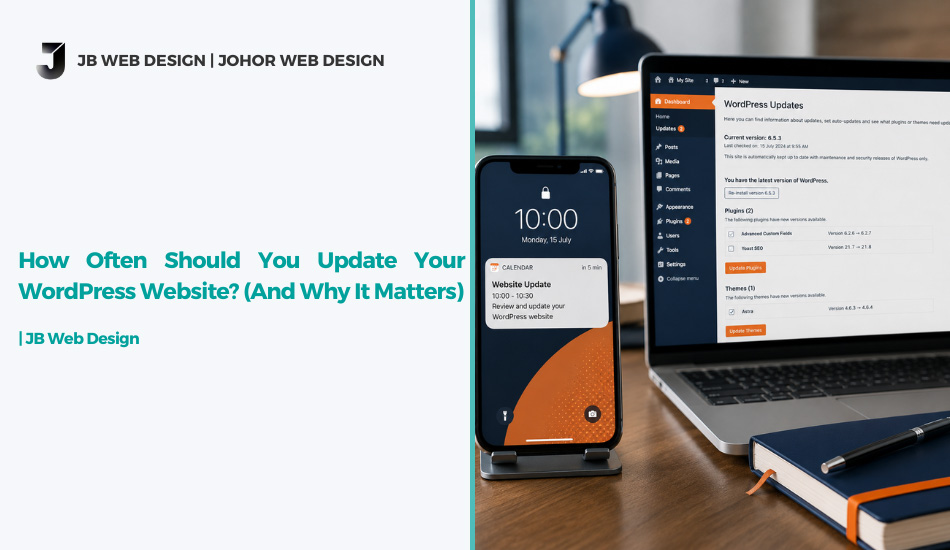

WordPress Maintenance Checklist: Things You Might Be Missing
Here’s the short answer first: if you’re running a WordPress site in Malaysia and haven’t touched it since launch, you’re probably missing at least three items on a proper WordPress maintenance checklist — and one of them is likely a security risk sitting quietly in the background.
Before we go through the details, here’s what a solid checklist actually covers.
The Quick Answer
A complete WordPress maintenance checklist usually includes:
- Core, theme, and plugin updates
- Regular backups (not just “set and forget”)
- Broken link and 404 checks
- Image and database optimisation
- SSL certificate and security scans
- Uptime and speed monitoring
If you’re only doing one or two of these, your site is running on borrowed time. Now let’s get into why this happens and what each item actually involves.
Why WordPress Maintenance Gets Ignored
Most business owners treat their website like a one-time purchase — build it, launch it, move on. WordPress doesn’t work that way. It’s built on plugins and themes that get updated constantly, sometimes for security patches, sometimes to stay compatible with newer PHP versions. Skip enough updates and you end up with compatibility conflicts, broken layouts, or worse, an outdated plugin that becomes the exact door hackers look for.
This is exactly why a WordPress maintenance checklist matters more than people assume. It’s not about chasing perfection — it’s about catching small issues before they turn into a site that’s down for three days during your busiest sales period.
Website Maintenance Tips You’re Probably Skipping
These are the website maintenance tips that tend to get overlooked, even by business owners who think they’re on top of things:
- Backup verification — having a backup plugin installed isn’t the same as having a backup that actually works. Test-restore it occasionally, or this “safety net” is just a false sense of security.
- Plugin cleanup — deactivated plugins sitting in your dashboard are still a vulnerability. If you’re not using it, remove it, don’t just switch it off.
- Database optimisation — years of spam comments, post revisions, and transient data slow your site down quietly. A clean database is one of the simplest wins in any WordPress maintenance checklist.
- 404 and broken link checks — old blog posts and product pages that got moved or deleted leave dead links behind, which hurts both user experience and your SEO.
- PHP version check — running an outdated PHP version is one of the most common (and most invisible) reasons a WordPress site slows down or breaks after an update.
- Security scan — malware doesn’t always show obvious symptoms. Some infections just sit quietly, redirecting a small percentage of your traffic or spamming search engines. A WordPress hardening guide is worth reviewing if you’ve never done a security pass before.
How Often Should You Run This Checklist
Weekly for backups, monthly for updates and a full security scan, and quarterly for a deeper database cleanup and speed audit — that’s roughly the rhythm most well-maintained sites follow. If that sounds like a lot to manage alongside actually running your business, that’s usually the point where owners move to professional website maintenance instead of handling it manually.
What Happens If You Skip Maintenance
We’ve covered this from the other angle before in our piece on a website losing customers — a slow, outdated, or unstable site doesn’t just annoy visitors, it quietly pushes them toward competitors. Maintenance isn’t the exciting part of running a website, but it’s what keeps everything else — your SEO rankings, your site speed, your uptime — actually working the way it’s supposed to.
If your WordPress site feels like it’s held together by outdated plugins and hope, it’s probably time for either a maintenance routine or, if things have been neglected for a while, a proper website revamp to start clean.
Final Thoughts
A WordPress maintenance checklist isn’t glamorous work, but skipping it is how small issues turn into expensive ones. If you’d rather have this handled for you, feel free to see how we approach ongoing maintenance or reach out and we’ll walk you through what your site actually needs — no upsell, just an honest look.